File Archiving Software for Enterprises
Key Takeaways
- File archiving software is built for long-term retention, search, legal hold, and defensible deletion.
- It is not the same as backup. Backup is for restore. Archiving is for governance.
- Winning requirements are policy automation, immutable audit trails, indexed search, and export support for eDiscovery.
- If you cannot prove what was retained, what was held, and what was deleted, you do not have an archive. You have a storage bill.
Why File Archiving Software Still Matters
Enterprises generate files everywhere: file shares, SharePoint, OneDrive, Google Drive, Box, collaboration platforms, plus line-of-business systems that export documents by the millions. The volume is not the real problem. The real problem is governance.
I have seen audits fail for a simple reason: the organization could not prove policy enforcement. Not that the files were missing. Not that a breach happened. Just that retention and deletion were not provable. That is where file archiving software earns its keep.
What Is File Archiving Software?
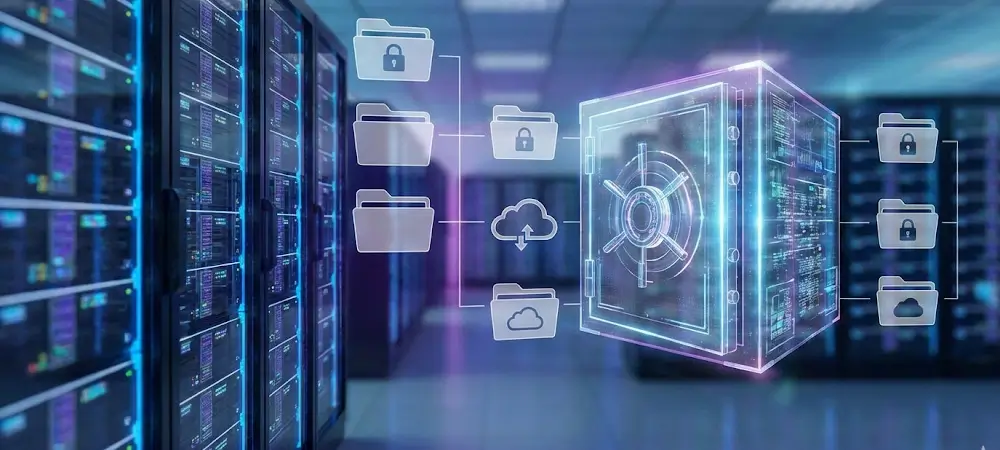
File archiving software is a platform that captures files and their metadata, applies retention rules, supports legal hold, enables indexed search and retrieval, and creates audit evidence for compliance and litigation response.
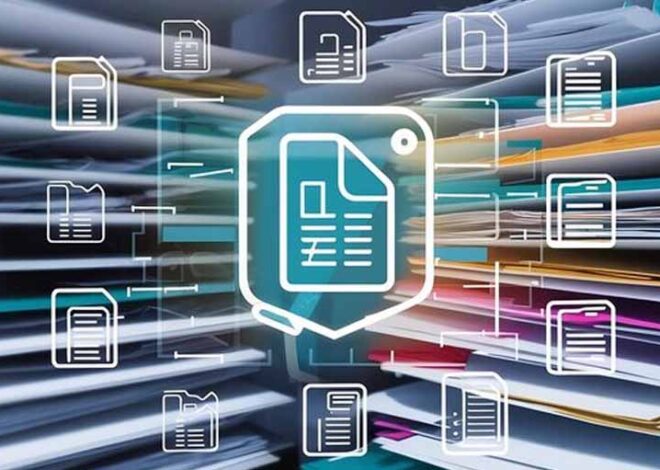
File archiving software lifecycle: ingest files, classify content, apply retention policy, enforce legal hold, enable search, provide audit trail, support defensible deletion
The difference between “we saved it” and “we can prove it” is the difference between storage and archiving.
File Archiving vs Backup vs Content Management
| Capability | Backup | File Storage | File Archiving Software |
|---|---|---|---|
| Primary goal | Recovery after loss | Collaboration and access | Governance, compliance, and auditability |
| Retention automation | Limited | Manual or inconsistent | Policy-driven and provable |
| Legal hold | No | No | Yes |
| Indexed search | Not designed for it | Basic | Yes, built for investigation |
| Defensible deletion | No | No | Yes, aligned to policy and evidence |
The Compliance Reality Behind Archiving
Most archiving programs are triggered by compliance requirements, legal exposure, or both. The exact rules vary by industry, but the patterns are consistent: retention, auditability, integrity, and controlled disposal.
- GDPR Article 17 (Right to Erasure)
- HIPAA Security Rule (HHS)
- SEC 17a-4 (eCFR)
- NIST SP 800-88 Rev. 1 (Media Sanitization)
- ISO/IEC 27001 (Information Security Management)
The enterprise requirement is not “keep files.” It is “prove the organization followed policy.”
Mini Scenario: What Breaks Without a Real Archive
A legal team issues a hold for a contract dispute. IT believes the content is “in SharePoint somewhere.” Meanwhile, duplicates exist across file shares, OneDrive, and a project workspace export. The organization cannot prove completeness, cannot prove hold enforcement, and cannot prove chain-of-custody. That is not a tooling gap. That is an archiving gap.
What to Look for in File Archiving Software
1) Policy-driven retention and holds
You need retention schedules by record category, plus legal holds that override deletion. Policy must be centralized and enforceable across repositories.
2) Indexed search and fast retrieval
If search is slow or incomplete, your archive will fail in audit and eDiscovery workflows. Look for metadata enrichment, full-text indexing where appropriate, and role-based results.
3) Immutable audit trails
The archive must provide evidence: who accessed what, who changed policy, what was retained, and what was deleted. If auditors ask, “prove it,” the system should answer.
4) Security by design
Encryption, least-privilege access, and separation of duties are table stakes. What matters is consistent enforcement across sources, including SaaS.
5) Storage tiering and cost control
Archiving should reduce cost, not create a second primary store. Evaluate tiering, compression, deduplication, and cloud economics.
6) eDiscovery exports and chain-of-custody support
Legal and compliance teams should be able to place holds, search, and export with evidence. If IT must manually collect files, you will lose time and increase risk.
Where Solix Fits
Solix approaches file archiving as part of a governed information lifecycle, not a standalone repository. The goal is to reduce risk, reduce cost, and maintain audit-ready proof across enterprise systems.
- Unified policy enforcement across data and content
- Retention, legal hold, and defensible deletion workflows
- Search and retrieval aligned to compliance and eDiscovery needs
- Governed foundations that also support analytics and AI initiatives
Related reading: What Does Archiving an Email Do? and Email Archiving.
FAQ
What is file archiving software?
File archiving software is a system that stores and governs files for long-term retention, indexed search, legal hold, and defensible deletion, with audit evidence.
Is file archiving required for compliance?
Regulations typically require retention and auditability, not a specific product. File archiving software is how many enterprises reliably meet those obligations at scale.
Can I archive files in Microsoft 365 or Google Workspace?
Those platforms offer retention features. Enterprises often still need centralized governance across file servers, multiple SaaS systems, and long-term eDiscovery workflows.
How long does an enterprise file archiving implementation take?
A pilot can start in weeks, but enterprise rollout depends on policy design, repository coverage, and validation for audit evidence. Plan for a phased approach.
Transparency: This is an industry guide informed by enterprise implementation experience. It references common compliance frameworks and standards. Product selection should be validated against your organization’s legal requirements and risk profile.
Disclaimer: This article is for informational purposes only and does not constitute legal, compliance, or security advice.